Contact Us
Contact Us

Your Total Safe Patient Handling Partner
1000 Items
10 Smart Switch Buying Tips for Global Buyers
Choosing a Smart Switch for international projects involves more than comparing prices and touchscreens. Buyers must examine electrical standards, network compatibility, installation methods, and long-term support. A device that works perfectly in one apartment may fail in another country.
Practical evaluation starts with the product label, technical datasheet, and installation environment. Check voltage ranges, frequency ratings, wiring requirements, wireless protocols, and compatible platforms. Confirm whether the switch needs a neutral wire. This small detail can change the entire installation plan. Look for recognized safety testing, clear warranty terms, firmware update policies, and responsive manufacturer support. Independent reviews and installer feedback can reveal problems that polished product pages rarely mention.
Cost matters, but replacement risk matters more. A low-priced switch may require extra adapters, a new hub, or professional rewiring. Those hidden costs can quickly exceed the original savings. Global buyers should also consider language support, regional app availability, data handling practices, and spare-part access. These details are easy to overlook.
No checklist removes every uncertainty. Even experienced buyers can miss a regional limitation or misunderstood specification. That is why a small trial order can be wiser than a large purchase. Test the Smart Switch with the intended wiring, router, and control platform before expanding the project. Keep written records of test results and supplier responses. Careful comparison does not guarantee perfection, but it reduces expensive surprises and supports a safer, more reliable buying decision.
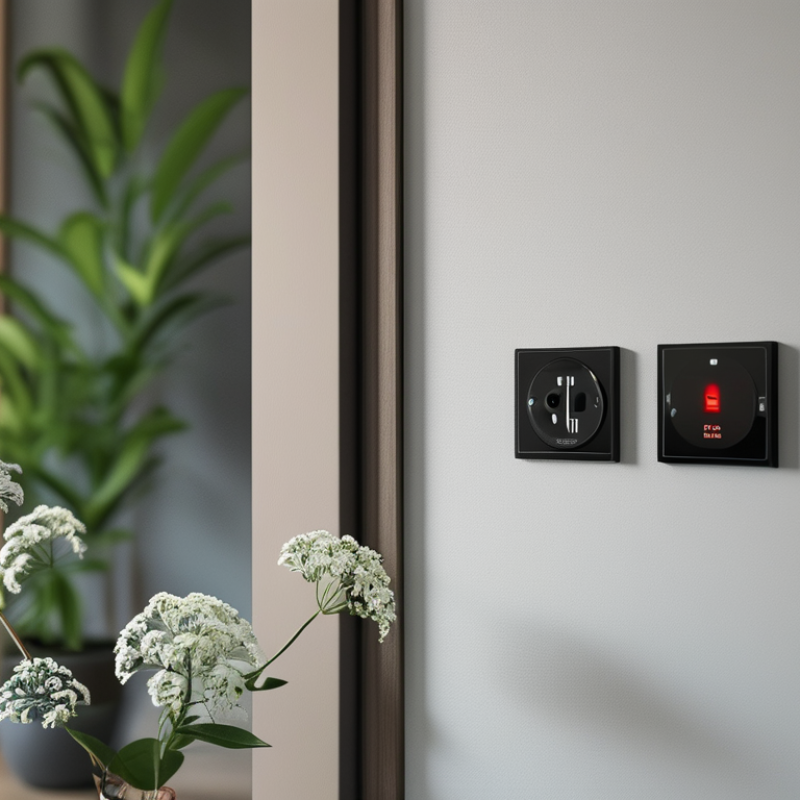
Define Your Smart Home Requirements and Usage Scenarios
Before buying a smart switch, define the exact job it must perform. A bedroom switch may need quiet dimming, while a garage switch may control bright lighting and ventilation. List the load type, voltage, wiring layout, and daily operating hours. This prevents a common mistake: choosing a feature-rich switch that cannot safely handle the circuit. The International Energy Agency reports that buildings consume about 30% of global final energy. Better control can support efficiency, but only when matched to real usage.
Map each room for a week. Note when lights turn on, who uses them, and whether manual control remains necessary. Families may need physical buttons, while rental properties may require non-permanent installation. IoT Analytics estimated 16.6 billion connected IoT devices worldwide in 2023. That scale increases convenience, but it also makes interoperability and network planning important. Check voltage standards, neutral-wire requirements, wireless frequency, and local electrical rules before ordering.
Do not overlook failure scenarios. What happens during a power cut or internet outage? A switch should ideally retain safe manual operation. I once focused too much on app automation and ignored switch placement. The result was inconvenient. That was avoidable. Review data permissions, update support, and account controls. NIST guidance recommends managing device identity, secure configuration, and software updates throughout the product lifecycle. A clear requirement sheet is less exciting than smart scenes, but it usually leads to a safer purchase.
10 Smart Switch Buying Tips for Global Buyers - Define Your Smart Home Requirements and Usage Scenarios
| No. | Buying Dimension | Requirement to Define | Typical Usage Scenario | Recommended Target | Verification Checklist |
|---|---|---|---|---|---|
| 1 | Load Type and Electrical Rating | Identify whether the switch will control lighting, fans, sockets, heaters, or motorized loads. Confirm local voltage, frequency, current, and power requirements. | Ceiling lights, bathroom fans, garden lighting, or a small appliance circuit. | The rated voltage and current should meet or exceed the connected load. Use a dedicated relay or contactor for high-power loads. | Check the electrical label, maximum load type, resistive or inductive classification, and installation regulations. |
| 2 | Neutral Wire Availability | Determine whether a neutral wire is present inside the wall box and whether the existing box has enough space for the module. | Replacing an older wall switch in an apartment or renovated house. | Choose a neutral-required model for stable operation when a neutral conductor is available. Use a no-neutral model only when it is specifically suitable for the load. | Inspect the wiring before purchase; verify minimum load requirements and whether a bypass component is needed for low-power lamps. |
| 3 | Communication Protocol | Choose between Wi-Fi, low-power mesh, or another supported protocol according to network coverage, device density, and control requirements. | A single switch in a rental property versus many switches distributed across a large home. | Wi-Fi can be convenient for small installations. A mesh protocol is often more scalable for many low-power devices when a compatible hub is available. | Confirm frequency compatibility, hub requirements, range, local control capability, and maximum device capacity. |
| 4 | Control and Ecosystem Compatibility | Define how users will control the switch: physical button, mobile application, voice assistant, automation platform, or local controller. | Voice-controlled bedroom lighting, app-controlled rental units, or centralized home automation. | Select a switch that supports the intended control methods and required operating regions. | Check supported operating systems, account requirements, language availability, local API or integration options, and future platform flexibility. |
| 5 | Switch Form Factor and Wiring Standard | Measure the wall box, front plate, screw spacing, terminal layout, and gang configuration used in the installation country. | Single-gang replacement, multi-gang hallway control, or installation in a shallow box. | The device should fit the wall box without excessive wire bending or pressure on terminals. | Compare dimensions in millimeters, terminal markings, plate size, mounting method, and required wire cross-section. |
| 6 | Single-Pole, Two-Way, or Multi-Location Control | Establish whether one circuit must be controlled from one location, two locations, or multiple locations. | A staircase light controlled from both floors or a corridor light controlled from both ends. | Use a switch and wiring arrangement that explicitly supports the required multi-location configuration. | Confirm traveler-wire requirements, companion-device compatibility, and whether wireless scene controls can replace additional wiring. |
| 7 | Automation and Scheduling Needs | Define schedules, timers, sunrise and sunset rules, occupancy triggers, scenes, and energy-saving routines. | Turning outdoor lights on at dusk, switching off children’s room lights at bedtime, or simulating occupancy while traveling. | Support for schedules, countdown timers, scenes, and reliable state recovery after power interruption. | Check whether automations run locally or through the internet, how time zones are handled, and what happens after a power outage. |
| 8 | Safety, Certification, and Installation | Verify electrical safety documentation, enclosure quality, temperature limits, installation instructions, and qualified installation requirements. | Residential, hospitality, office, or other installations subject to local inspection. | Use products with documentation appropriate for the destination market and the intended installation environment. | Request applicable conformity documents, wiring diagrams, environmental ratings, warranty terms, and installer guidance. |
| 9 | Reliability, Offline Operation, and Power Recovery | Decide whether the switch must remain usable when the internet or hub is unavailable and define the desired power-on behavior. | Essential hallway lighting, vacation properties, or homes with unstable internet service. | Physical switching should remain available where possible, with a selectable power-on state such as on, off, or last state. | Test local response, reconnection time, firmware recovery, status synchronization, and behavior after repeated power cycles. |
| 10 | Privacy, Security, and Long-Term Support | Assess account security, data collection, firmware updates, password policies, support period, and replacement availability. | A family home with multiple users or a property portfolio requiring long-term maintenance. | Prefer encrypted communication, unique credentials, regular security updates, and transparent data practices. | Review privacy terms, two-factor authentication, firmware update methods, end-of-support policy, and export or migration options. |